

Reference

The bet702 App: Your Lobby on Any Device

The bet702 mobile experience puts NFL same-game parlays, live dealer tables, and slots like Bronco Rush right in your pocket — no desktop required. Access is browser-based and available where state law permits for eligible US accounts.

mobile browser accessbetslip on the goquick deposit flowaccount wallet readyavailability by state
bet702 The bet702 App: Your Lobby on Any Device
bet702 How the bet702 Mobile Experience Works

How the bet702 Mobile Experience Works

Load bet702 in your mobile browser and the layout shifts cleanly to fit your screen — the sportsbook, live dealer room, and slot lobby all stay one tap apart. You can place a same-game parlay on NFL Sunday, then jump over to a live baccarat table at Prime Time Baccarat without switching apps or logging back in. Push notifications flag when your

wager settles or a deposit confirms. Quick-deposit shortcuts keep your PayPal, Venmo, or Play+ card a single tap away inside the account wallet. Fingerprint or face-unlock login cuts the sign-in step to under two seconds on most modern devices.
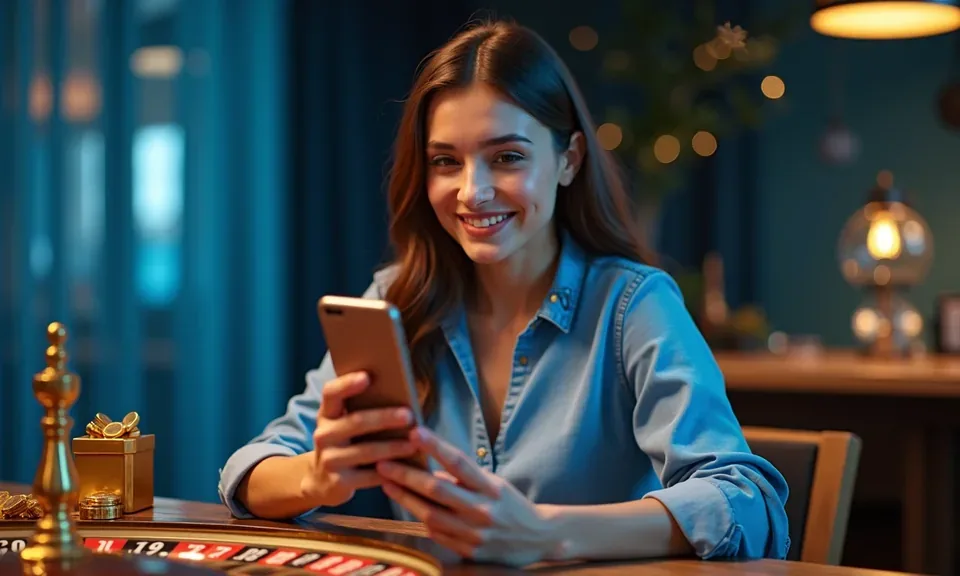
bet702 Mobile Access in Three Steps

Mobile Access in Three Steps

No app store download is needed to get into the bet702 lobby from your phone. The site is built to run in a modern mobile browser — Chrome, Safari, or Firefox all work. Open your browser and go to bet702. The page detects your screen size and loads the mobile layout automatically. Sign in with your account credentials, or use biometric unlock

if you've already set it up on a prior visit. Once in, check that notifications are enabled so your betslip activity and deposit confirmations come through without you having to refresh. Players in Columbus have reported the full lobby loading cleanly on both Android and iOS without any extra configuration.

  • Open bet702 in your mobile browser — Chrome or Safari on iOS and Android both work. No separate download or app-store visit required.
  • Sign in or use biometric unlock — Enter your account credentials, or tap fingerprint or face ID if your device supports it and you've set it up in account settings.
  • Enable push notifications when prompted — Allows the site to alert you when bets settle, deposits confirm, or account activity needs your attention.
  • Check app availability in your state — Access depends on state law. Confirm your state is in the eligible list shown in account settings before you fund.
DEVICE COMPATIBILITY CHECK

Which Devices and Browsers Work with bet702

The mobile layout is tested against the browsers most US accounts actually use. If something looks off on your device, a quick browser update usually resolves it — and live chat support can walk you through it if not.

01

iOS Safari

The site runs on current and recent Safari versions. Keep iOS updated through your device settings to avoid layout gaps or login issues.

02

Android Chrome

Chrome on Android handles the full lobby, live dealer stream, and betslip without any extra configuration needed on most current handsets.

03

Firefox and Edge

Both browsers are supported on mobile. If push notifications don't trigger, check the site's permission status inside your browser's notification settings.

04

Screen Size and Account Requirements

The layout adjusts from small phone screens up to tablets. Your account must be verified and in an eligible state before real-money access is granted.

05

How to Confirm Your Device Works

Load bet702, scroll through the lobby, and try opening a game or the betslip. If the layout breaks, clear your browser cache and reload before contacting support.

APP FEATURE SET

Four Things the Mobile Build Does Well

The mobile build is shaped around speed and clarity — here's what stands out once you're signed in and moving around the lobby.

Fingerprint and Face Login On supported devices, biometric login replaces the password step entirely. You're in the lobby in under two seconds — no typing, no waiting.
Push Notifications Enable alerts and you'll know the moment a bet settles or a deposit lands. Useful on NFL Sundays when you've got multiple legs running.
Dark Mode Layout The interface switches to a dark color scheme in low-light conditions. Easier on your eyes during late-night sessions without losing any lobby detail.
Offline Lobby Preview Even on a weak connection, the lobby loads a cached view of available game categories so you can decide where you're headed before the signal catches up.

Common Questions About the bet702 App

Here are the questions we hear most from people setting up mobile access for the first time.

No download is required. The bet702 mobile experience runs directly in your phone's browser. Go to bet702 and the mobile layout loads automatically on your device.

The core lobby is the same — sportsbook, live dealer, and slots like Moonshot Slots are all there. The layout adapts to your screen size, and some menu paths are condensed for touch navigation.

Yes. PayPal, Venmo, and Play+ all work through the mobile cashier. Tap the deposit icon in the account wallet, choose your method, and confirm the amount in the familiar app flow.

Sign in once with your password, then go to account security settings and enable biometric login. Your device handles the fingerprint or face scan; bet702 stores only a secure token, not your biometric data.

Safari on iOS requires you to allow notifications per site. Go to Settings, find Safari, then this site's entry under Website Settings, and switch notifications to Allow.

Access depends on state law. bet702 is available in eligible states only. Check the state eligibility list in your account settings or contact support before funding your account.
Reference

bet702 App

Service availability depends on eligible states and local law. US online casino and sportsbook access is licensed state by state, so check your state's rules before opening an account. 21+ where applicable.

Access may be available only in states where local law permits.